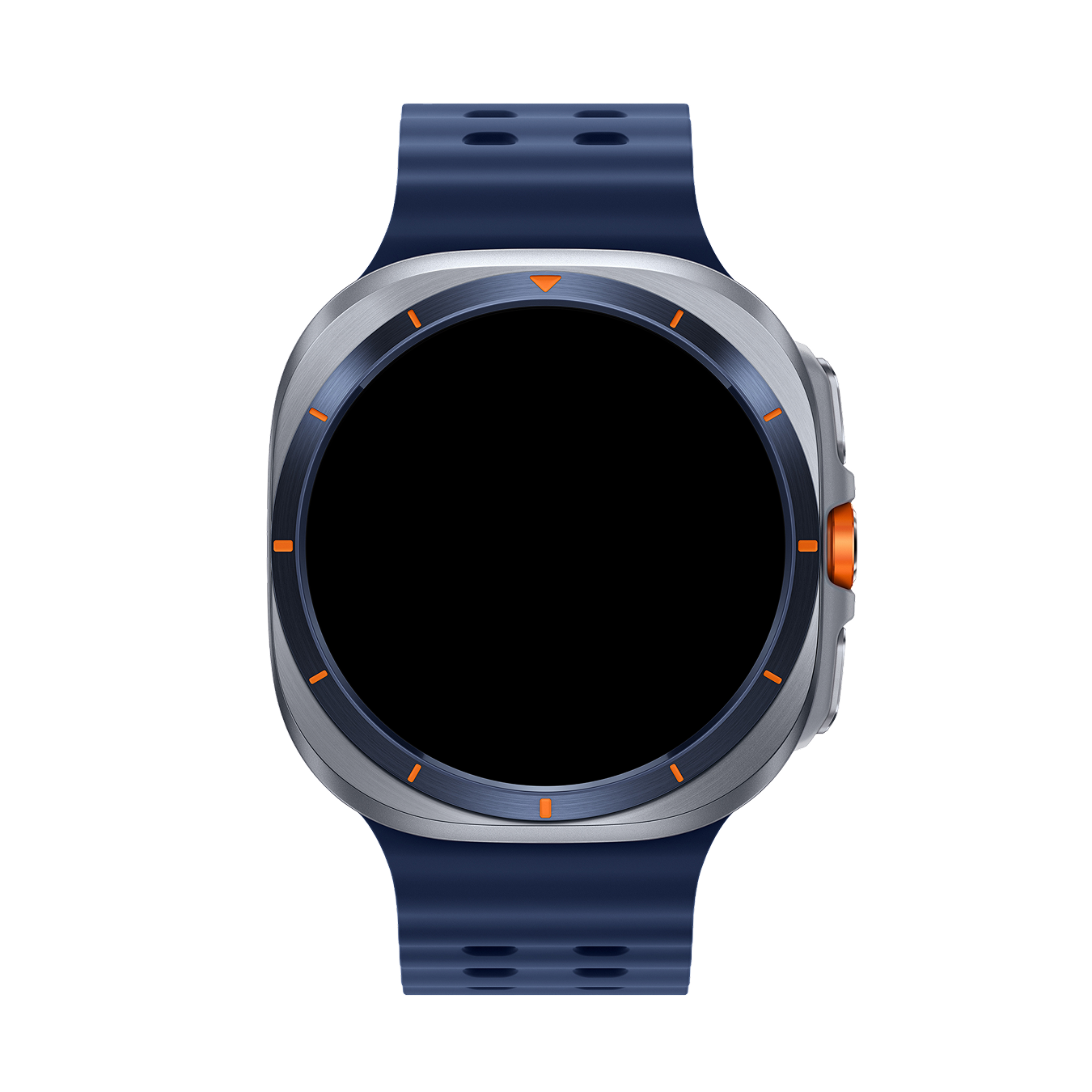

Neon Watch Face

Wear OS
Coupons000
Waitlist001
Views0008
Galaxy Watch Ultra 2025
Neon Watch Face
Get it on Google Play

Join Waitlist

Coupons are currently sold out. Join 1 others to get notified.

Product Overview & Key Features

Neon Watch Face by Galaxy Design ⚡ Bring a high-tech edge to your smartwatch with Neon — a vibrant, futuristic watch face crafted for Wear OS. With glowing elements, bold visuals, and real-time stats, Neon is the perfect mix of style and performance. ✨ Key Features Futuristic Neon Design – Striking glowing visuals for a modern look. 12 Colors & 10 Background Styles – Personalize your watch to fit your mood. Health & Fitness Tracking – Monitor steps, calories, distance, and heart rate. Essential Info at a Glance – Battery level, date, and 12/24-hour time formats. Always-On Display (AOD) – Keep your data visible while conserving power. Customization – 2 custom shortcuts + 1 complication for quick access. ⚡ Why Choose Neon? Neon isn’t just a watch face — it’s a statement. Designed for those who love bold style and smart functionality, Neon makes every glance at your wrist exciting and purposeful. 📲 Compatibility Compatible with all smartwatches running Wear OS 3.0+ Optimized for Samsung Galaxy Watch 4, 5, 6, and newer Works with Google Pixel Watch 1, 2, 3 Supports Fossil Gen 6, TicWatch Pro 5, and more ❌ Not compatible with Tizen OS devices. Galaxy Design – Where bold style meets smart function.

OLED Optimized

Extremely battery efficient with low active pixel ratio (APR) for long-lasting performance.

Complication Slots

Fully customizable gauges to display step goals, weather, battery stats, or calendar events.

Always-On Display

Stunning ambient state preserving screen health and aesthetics in low power mode.

Sleek Aesthetic

Premium colors, fluid clock sweeps, and micro-shadow textures designed for high-prestige wrists.

Specifications & Compatibility

Device Compatibility

  • Samsung Galaxy Watch 8, 8 Ultra, 7, 6, 5, 4
  • Google Pixel Watch 1, 2, 3, 4
  • TicWatch Pro 5 & Wear OS 5+ Watches
  • Optimized for OLED & Circular Displays

Platform Information

OS Version
WEAR_OS_5+
API Level
API_33+

Installation Guide

01

Claim Coupon

Enter your email on this page to receive your coupon code.

02

Redeem Code

Open Play Store, tap profile, select "Redeem code" under Subscriptions.

03

Apply on Watch

Long-press active watch face, swipe right, select "+ Add" and apply it.

Frequently Asked Questions

How do I install the watch face on my Wear OS smartwatch?

To install the watch face, click the Google Play Store button to open the app page. Click "Install on more devices" and select your watch. You can also open the Play Store directly on your watch, search for the watch face by name, and tap install.

How do I claim and use my free coupon code?

Enter your name, email, and country in the form above to claim a free coupon. Once you copy the code or receive it in your email, open the Play Store on your Android phone, tap your profile icon, go to "Payments & subscriptions", select "Redeem code", and paste your code to get the watch face for free.

Is this watch face compatible with Samsung Galaxy Watch 8 or Ultra?

Yes! All Galaxy Design watch faces are fully compatible with Samsung Galaxy Watch 8, Galaxy Watch 8 Ultra, Galaxy Watch 7, Galaxy Watch 6, Galaxy Watch 5, Galaxy Watch 4, Google Pixel Watch 1/2/3/4, and other smartwatches running Wear OS 5.0 or higher.

Explore More Designs