Turbo Watch Face
000
Coupons
003
Waitlist
0035
Views


About this face
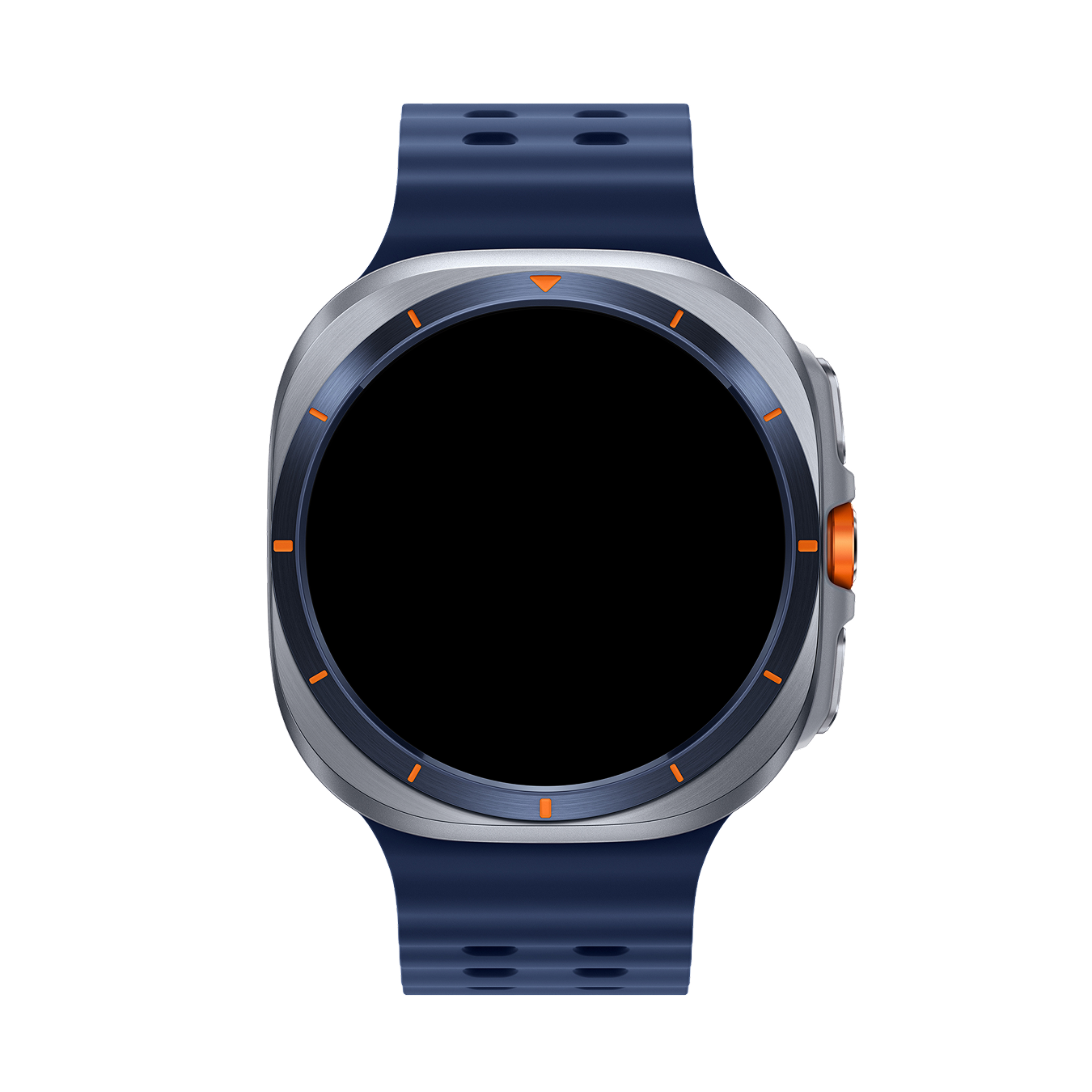
Turbo – Sport Watch Face for Wear OS by Galaxy Design
Push your limits with Turbo, a bold sport watch face inspired by racing gauges and performance dashboards. Designed for Wear OS smartwatches, Turbo combines a clean digital layout, neon highlights, and complete fitness stats so you can stay in control all day long.
HIGH-IMPACT SPORT DESIGN
• Central bold digital time for instant readability
• Dual side gauges inspired by speedometers
• Neon accents that pop on AMOLED displays
• Perfect for Galaxy Watch, Pixel Watch, and other Wear OS devices
ALL YOUR STATS AT A GLANCE
• Heart rate (BPM)*
• Calories burned*
• Steps counter*
• Distance (km/miles)*
• Battery level
• Date
• 12h / 24h time format (system-based)
ALWAYS-ON DISPLAY (AOD) READY
• Optimized AOD mode to save battery
• Clear time and essential stats even in dimmed mode
• Designed for round AMOLED screens
BUILT FOR PERFORMANCE
• Lightweight and battery-friendly
• Clean layout for fast information reading during workouts, driving, or daily activities
• Sporty yet minimal – looks great in casual or training situations
PERFECT FOR:
• Sport & fitness lovers
• Runners, cyclists, and gym users
• Fans of digital, neon, and tech-inspired watch faces
HOW TO USE
1. Install Turbo on your phone from Google Play.
2. Make sure your smartwatch is running Wear OS 5 or later and is connected to your phone.
3. On your watch, touch and hold the current watch face, then scroll and select Turbo by Galaxy Design.
NOTE
• Some health data (heart rate, steps, calories, distance) is provided by your watch’s sensors and Google Fit / system services.*
• Please allow the necessary permissions on your watch for all features to work properly.
ABOUT GALAXY DESIGN
Galaxy Design creates premium Wear OS watch faces with a focus on clarity, performance, and modern aesthetics. Explore more digital, analog, and hybrid designs by searching "Galaxy Design Watch Face" on Google Play.
Activate Turbo today and put your wrist in performance mode.
Join Waitlist
Coupons are currently sold out. Join 3 others to get notified.
Installation Guide
01
Claim Coupon
Enter your email on this page to receive your coupon code.
02
Redeem Code
Open Play Store, tap profile, select "Redeem code" under Subscriptions.
03
Apply on Watch
Long-press active watch face, swipe right, select "+ Add" and apply it.


